FEATURES
Everything in one place, nothing you did not ask for.
Here is what VertexNova does today. Every part starts switched off, so your channel only does what you decided.
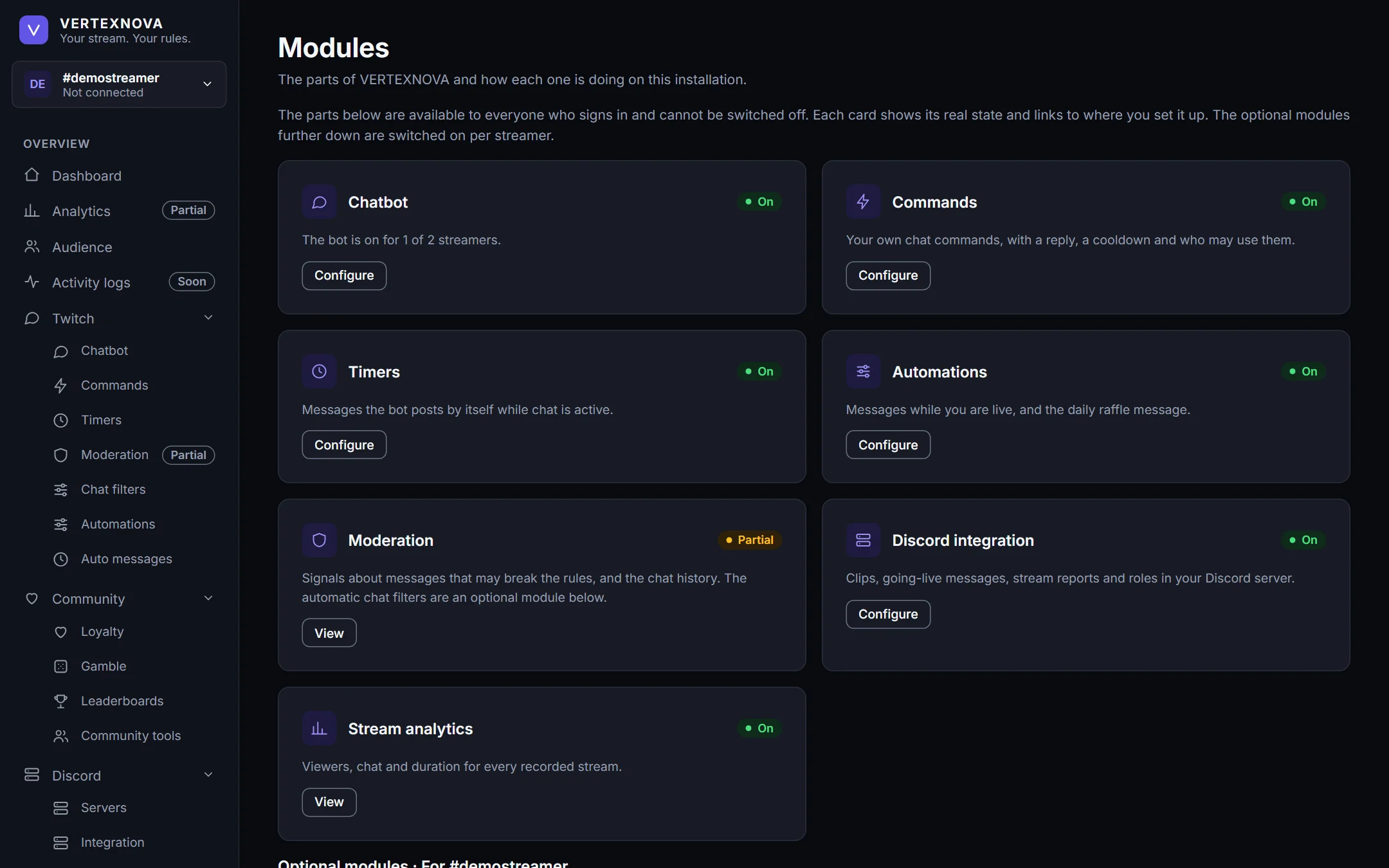
Twitch Management
The bot works in your Twitch chat for your channel, and you decide what it does.
- Switch the bot on or off for your channel at any time.
- A “Get started” checklist walks a new channel through the first steps.
- Every optional part is off until you switch it on, and your settings are kept when you switch it off again.
- Invite your team as owner, admin, moderator or viewer: everybody sees and may do what their role allows.
Commands & Timers
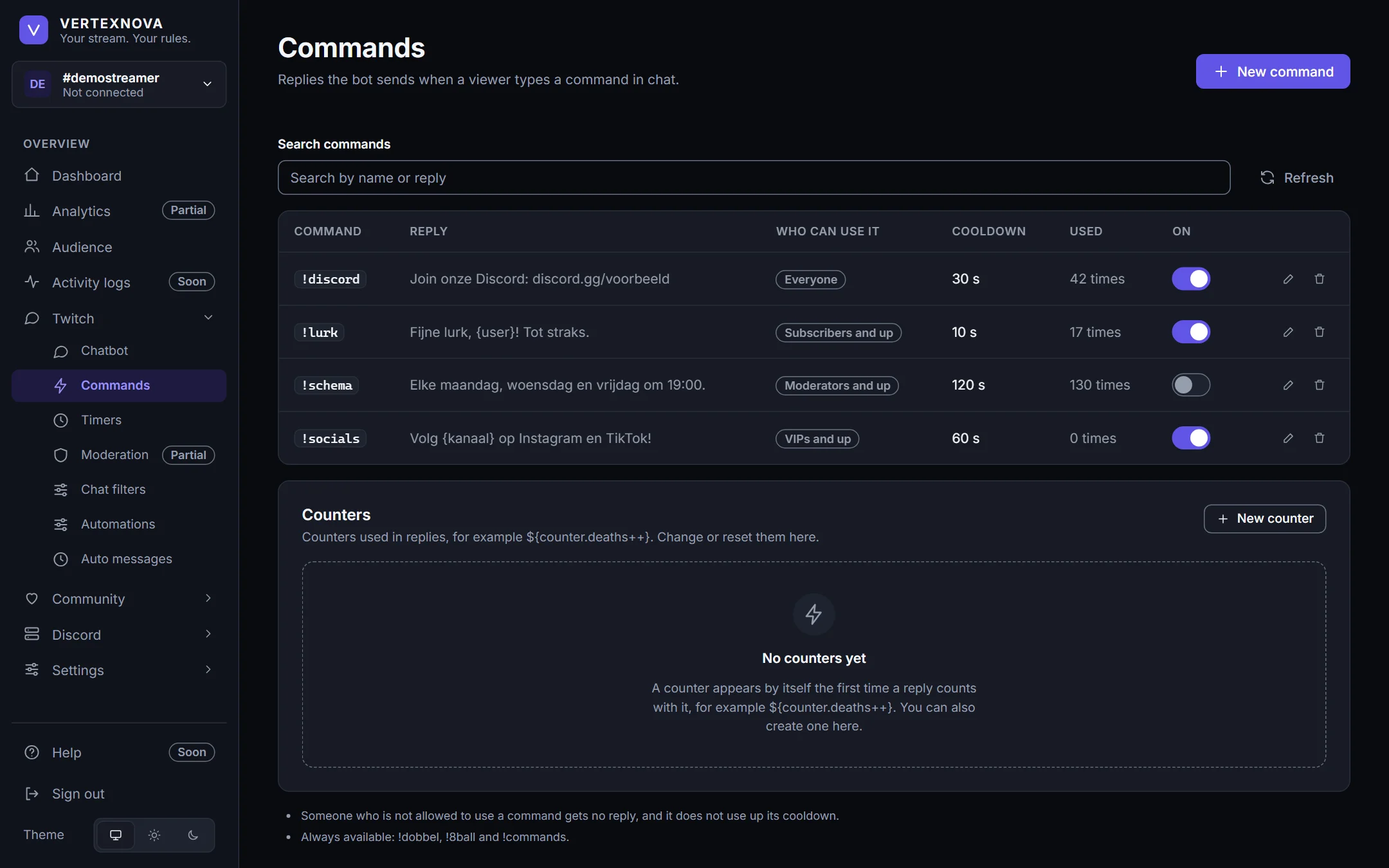
The replies your chat knows, and the messages that keep it informed.
- Chat commands with your own reply, a cooldown, and who may use them: everyone, subscribers, VIPs or moderators.
- Switch a command off without losing it, and see how often each one is used.
- Extended commands add aliases, variables such as ${user} and ${count}, counters and a cooldown per person.
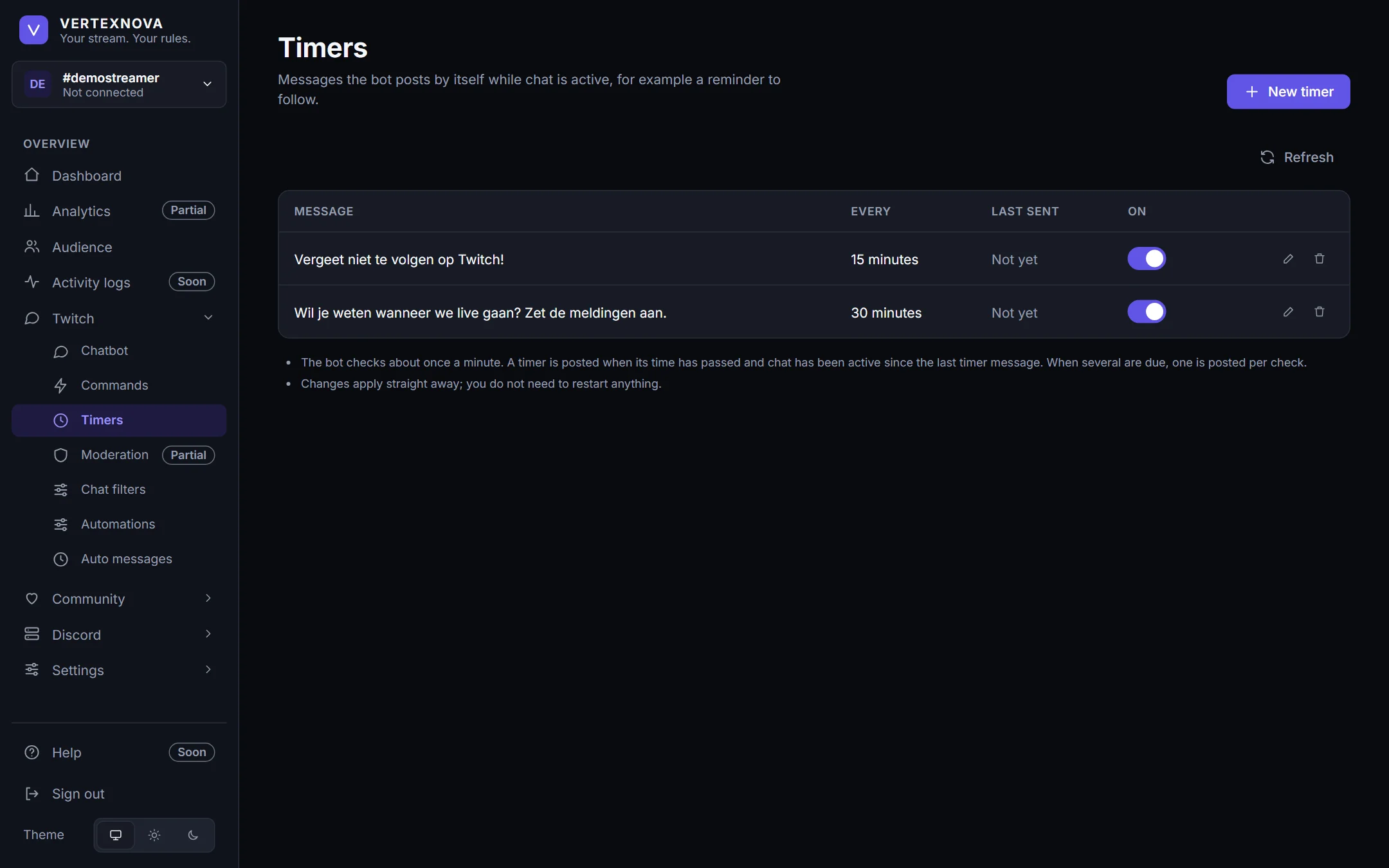
- Timers post a message at an interval, but only while the chat is active — so the bot never talks into an empty room.
Automation
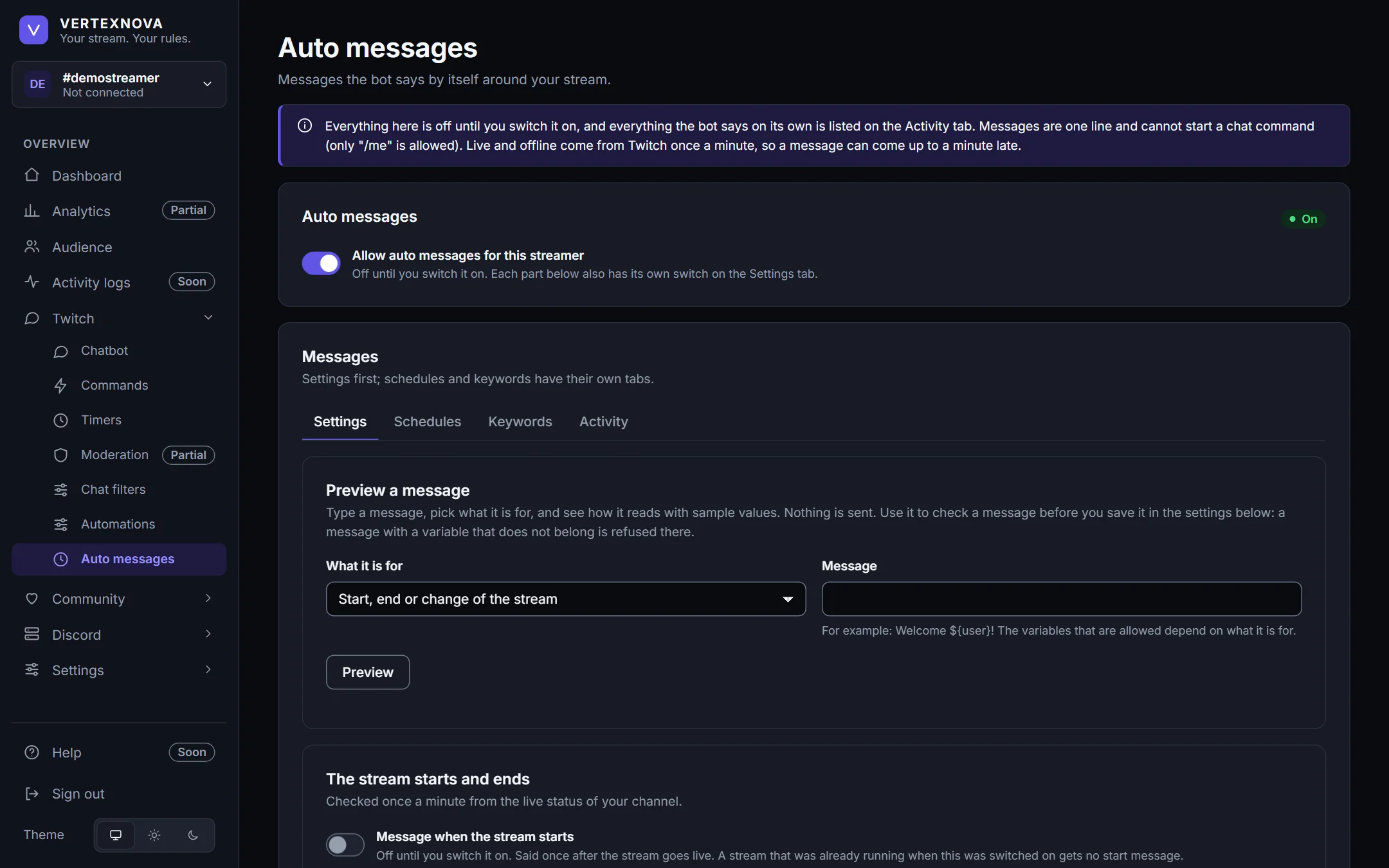
Messages the bot says by itself around your stream. Everything starts switched off.
- A message when you go live and when you stop, and one when the game or the title changes.
- Thanks for raids, new subscribers, resubs, gifted subs and bits, each with its own message and switch.
- Messages on a fixed time on the days you choose, and replies to keywords.
- Repeating messages while you are live, and a daily raffle announcement.
- Everything the bot says on its own is listed in an activity log, so you can always see why it said something.
Discord Integration
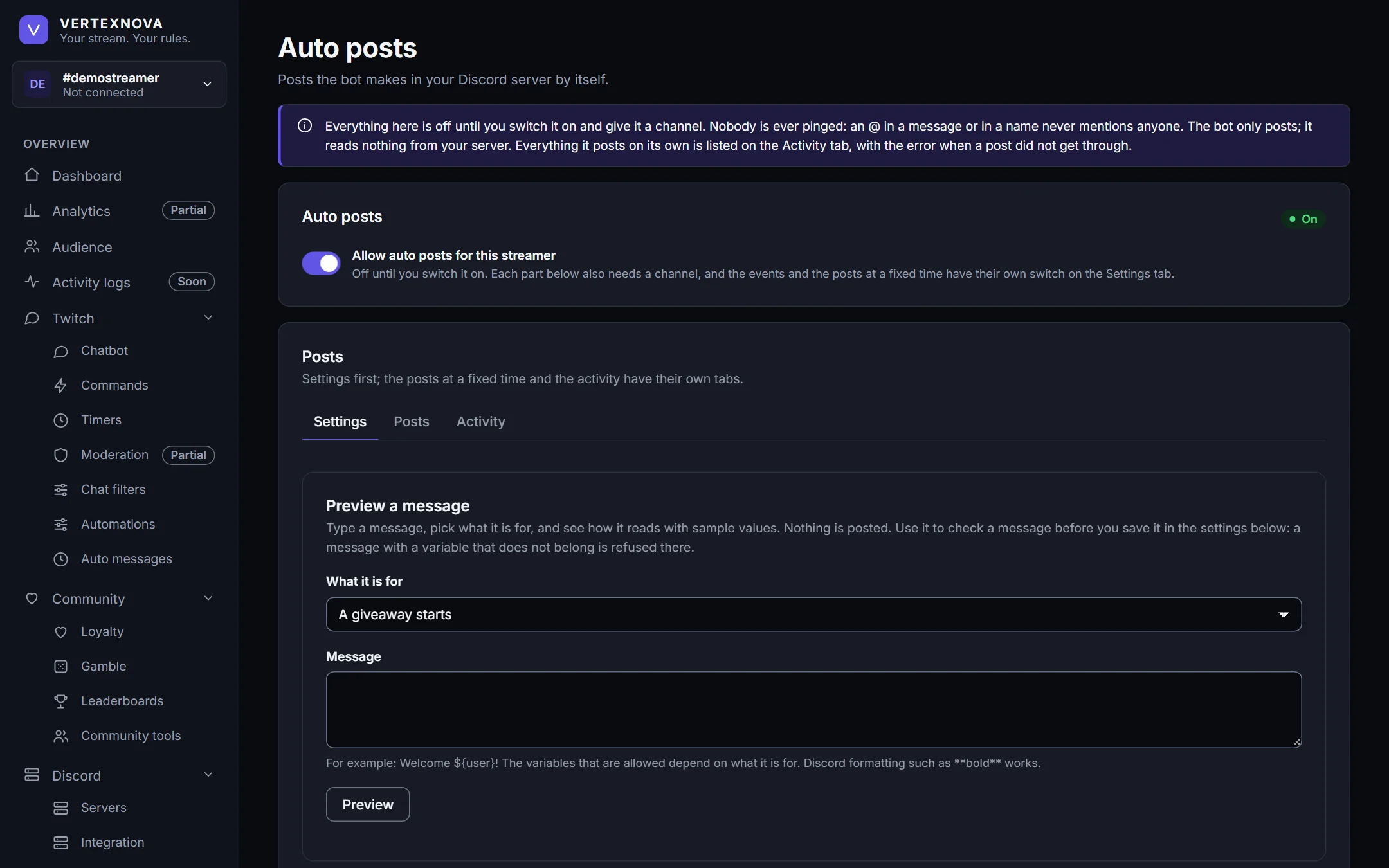
Your own Discord server, linked to your channel.
- Link your server with a one-time code and the /koppel-server command, typed by someone who manages that server.
- The bot only posts in the servers linked to your channel, and only in channels of those servers.
- Announce giveaways and their winners, poll results, raids, subscriptions, gifts and bits.
- Post a message, or the top of a leaderboard, at a fixed time. Nobody is ever pinged, and the bot only posts: it reads nothing from your server.
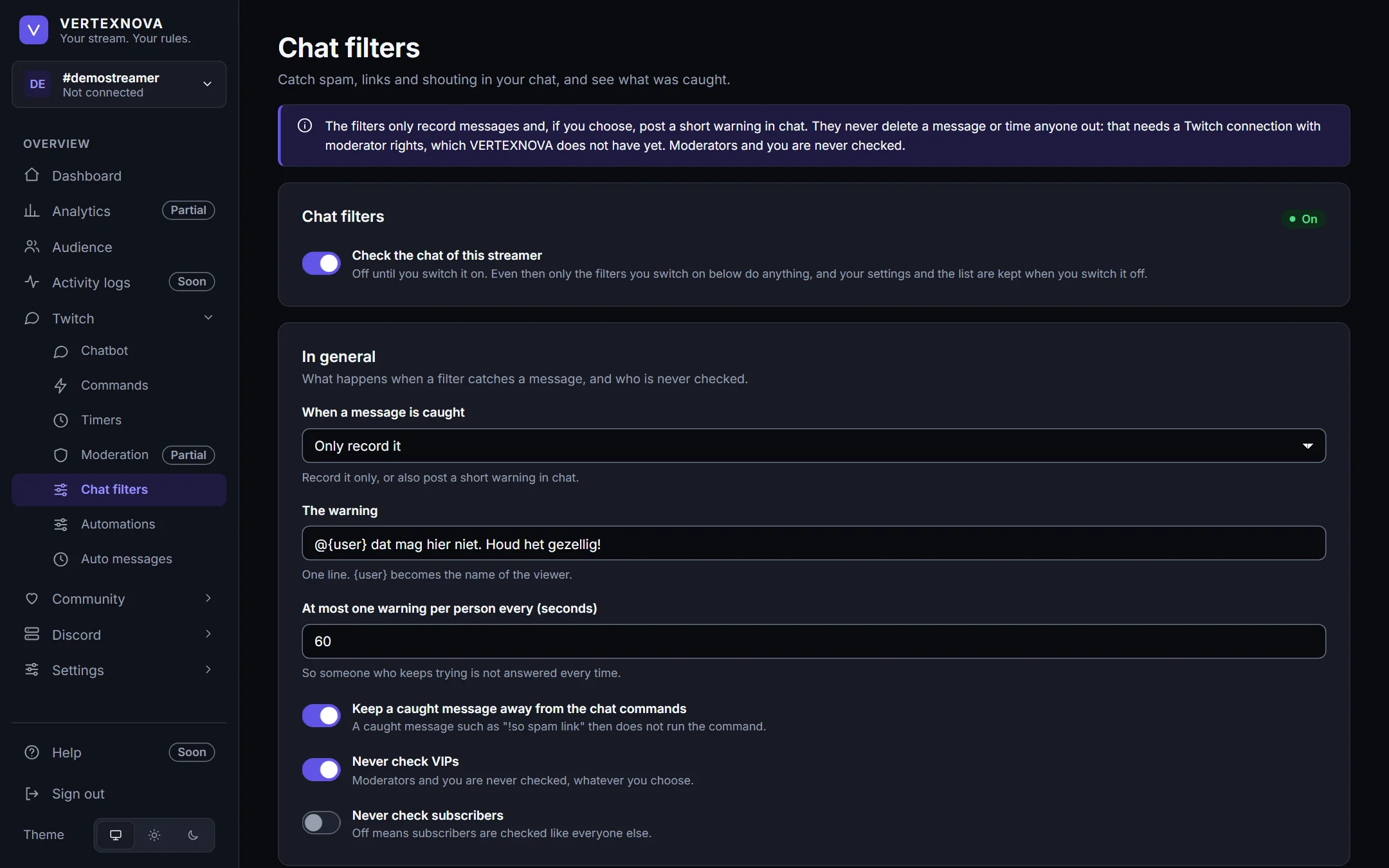
Moderation
Chat filters that help you keep an eye on your chat.
- Filters for links, capitals, repetition, symbols, emotes, message length, your own words and spam.
- Caught messages are recorded so you can review them, and the bot can post a short, polite warning.
- The filters never delete a message and never time anyone out. Moderators and you are never checked.
- Everything is off until you switch it on, one filter at a time.
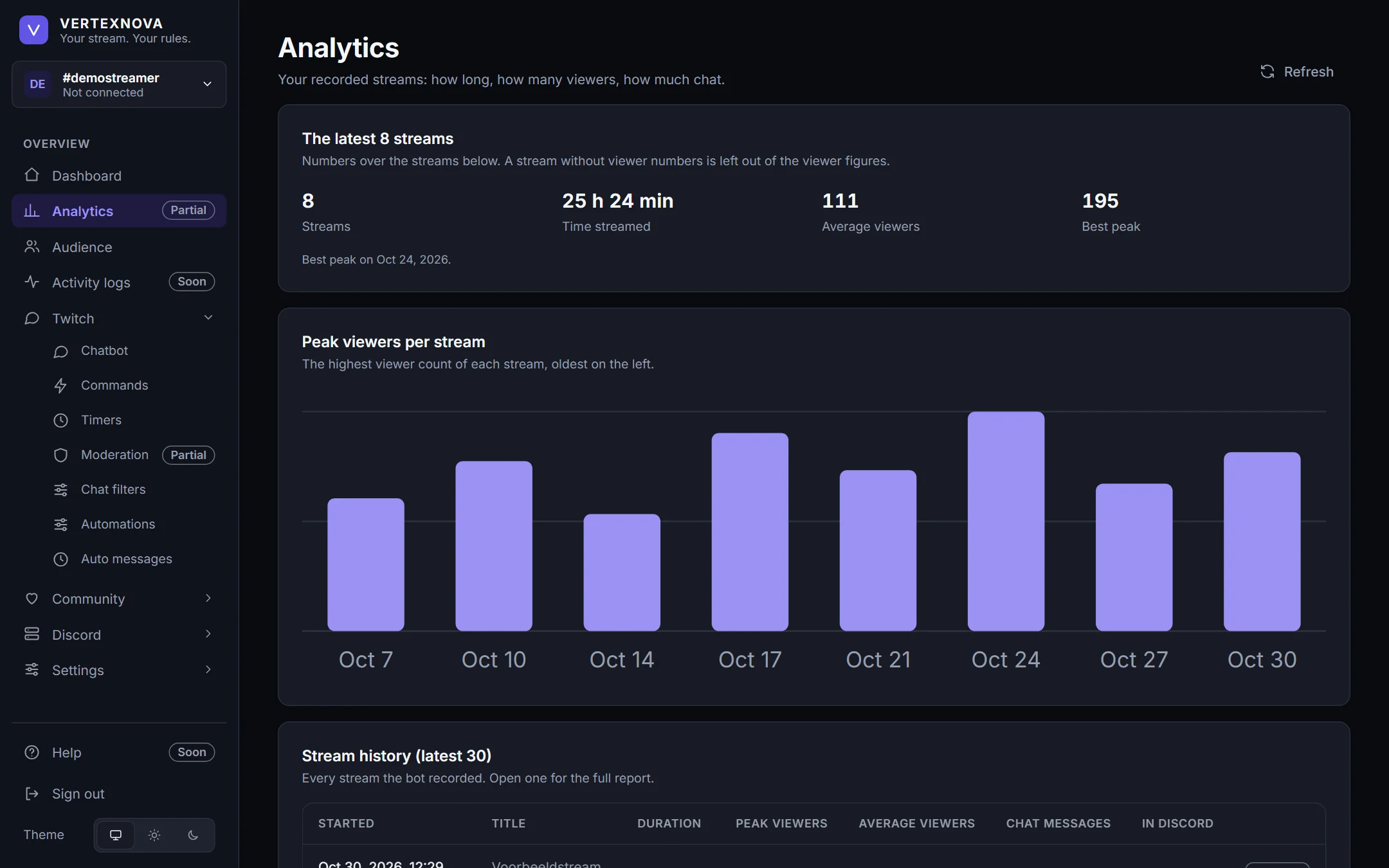
Analytics
What your recorded streams and your saved chat say about your community.
- Your recorded streams: how long, how many viewers, how much chat.
- Audience: how active your chat is, who is new, who comes back, and when it is busiest.
- Built from what is already saved, so it never changes anything in your chat.
- Followers and subscribers are not recorded, and so they are not shown.
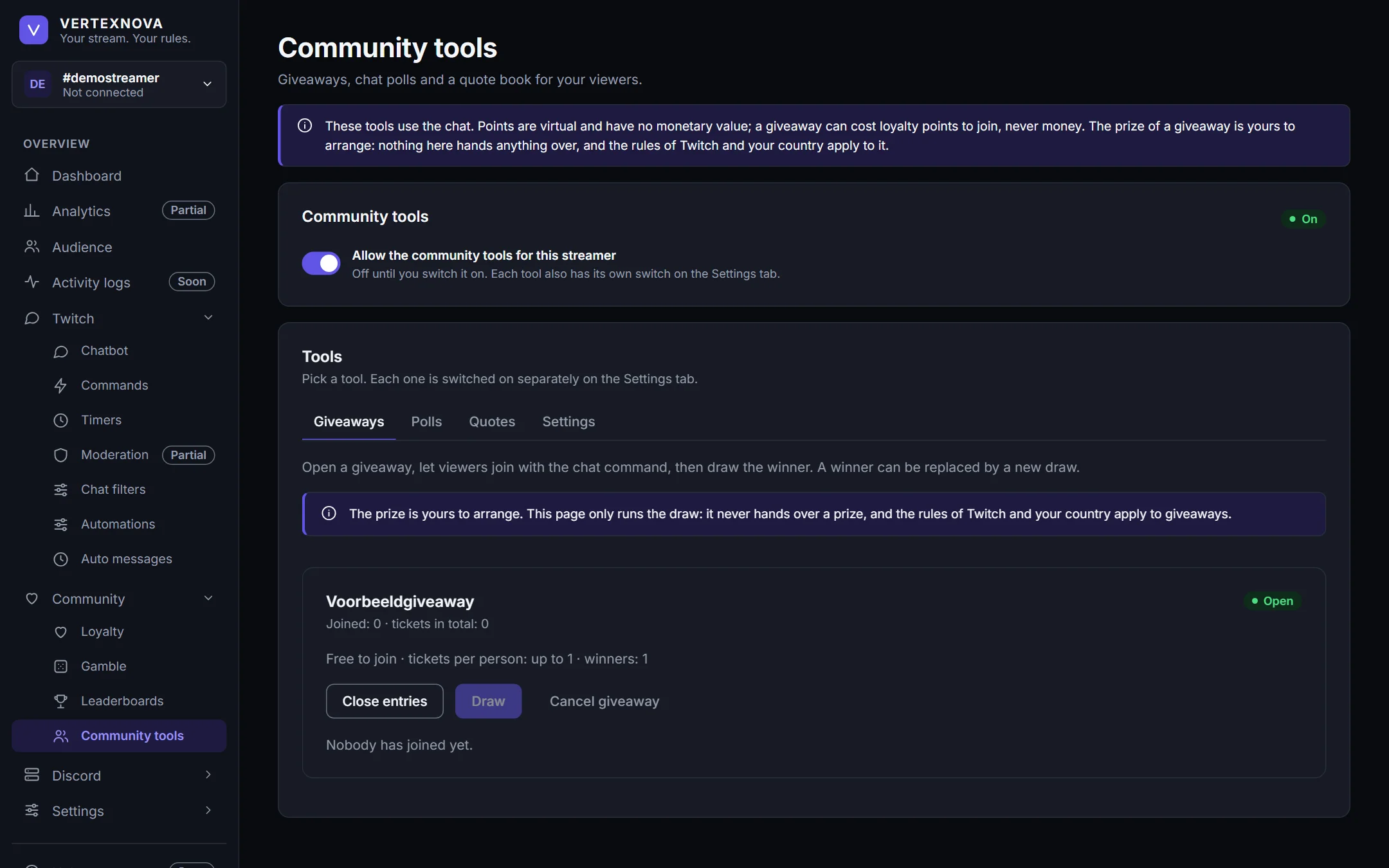
Community
Little things that make a chat feel like a community.
- Loyalty points and watch time, leaderboards, and chat games with those points. The points are virtual: they have no monetary value and cannot be bought, sold or cashed out.
- Giveaways, chat polls and a quote book, each with its own switch.
- VertexNova does not deliver prizes: what you give away, and the rules around it, are yours.
Dashboard Settings
Your data and your team, under your control.
- A dark and a light theme, and a layout that also works on a phone.
- See what your channel holds against its limits.
- Download everything as a file, with no passwords or tokens in it and nothing of anybody else’s channel.
- Delete a streamer or your account with all its data, after confirming by name.
See it for yourself.
Open the dashboard. Access may currently be restricted to invited channels.
Open VertexNova